English 1 - MnM Home Schooling
Early vocabulary, tracing, and first-language confidence for little learners.
Playful, repeatable lessons built for early routines at home.
Letter tracing, counting confidence, and curiosity-first lessons designed for calm practice instead of screen overload.
See the apps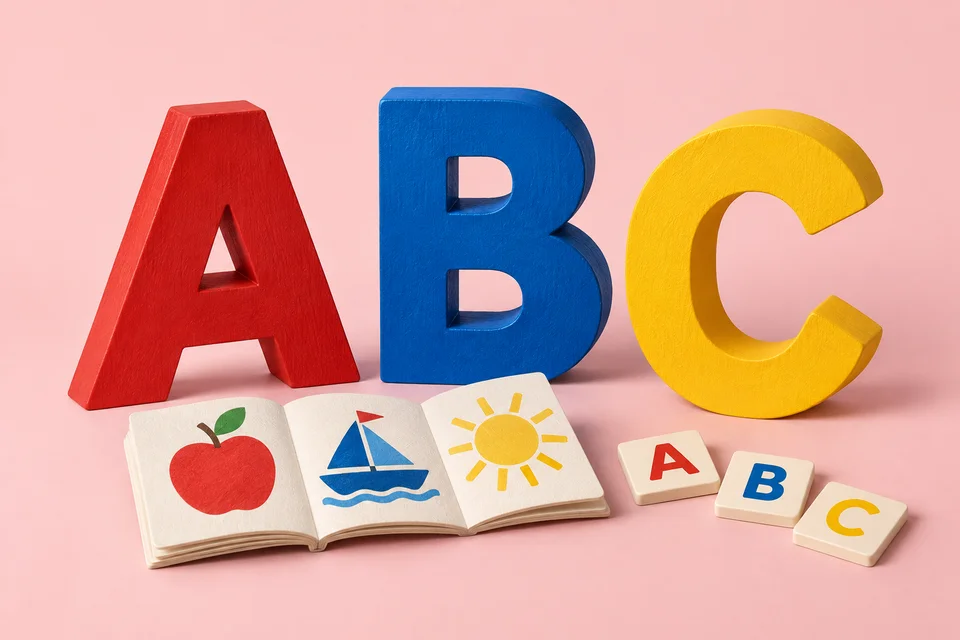 SMALL TOOLS, CLEAR PURPOSE
TraceLearn Kids is the strongest first choice for tracing and handwriting readiness. Choose English 1 for early vocabulary, Math 1 for number confidence, or Curiosity 1 for parent-guided discovery.
Early vocabulary, tracing, and first-language confidence for little learners.
Tracing practice for letters, numbers, and early pattern confidence.
A curiosity-led learning app for early exploration at home.
| App | Best fit | Category | Status |
|---|---|---|---|
| English 1 - MnM Home Schooling | Early vocabulary, tracing, and first-language confidence for little learners. | Kids Home Schooling | Available now |
| TraceLearn Kids | Tracing practice for letters, numbers, and early pattern confidence. | Kids Home Schooling | Available now |
| Math 1 - MnM Home Schooling | First-number confidence for home learning routines. | Kids Home Schooling | Closed testing |
| Curiosity 1 - MnM Home Schooling | A curiosity-led learning app for early exploration at home. | Kids Home Schooling | Closed testing |
A practical parent guide to choosing preschool apps for tracing, English, numbers, curiosity, privacy, and short home routines.

A parent checklist for privacy policies, ads, distractions, app status, and child-friendly design before choosing a learning app.

A calm routine for parents helping children practice tracing letters, lines, and shapes with app support and paper follow-up.
Clear answers for parents and users comparing this line.
TraceLearn Kids is the most flexible first choice because tracing and recognition practice support several early skills at once. English 1 is better when the parent wants language-first practice.
The kids apps are positioned for early routines like tracing, number recognition, English vocabulary, and child-friendly practice. Parents can use them as part of preschool or kindergarten-readiness work at home.
TraceLearn Kids is the best fit because it starts with guided digital tracing. Parents can pair it with short paper practice once the child feels more confident.
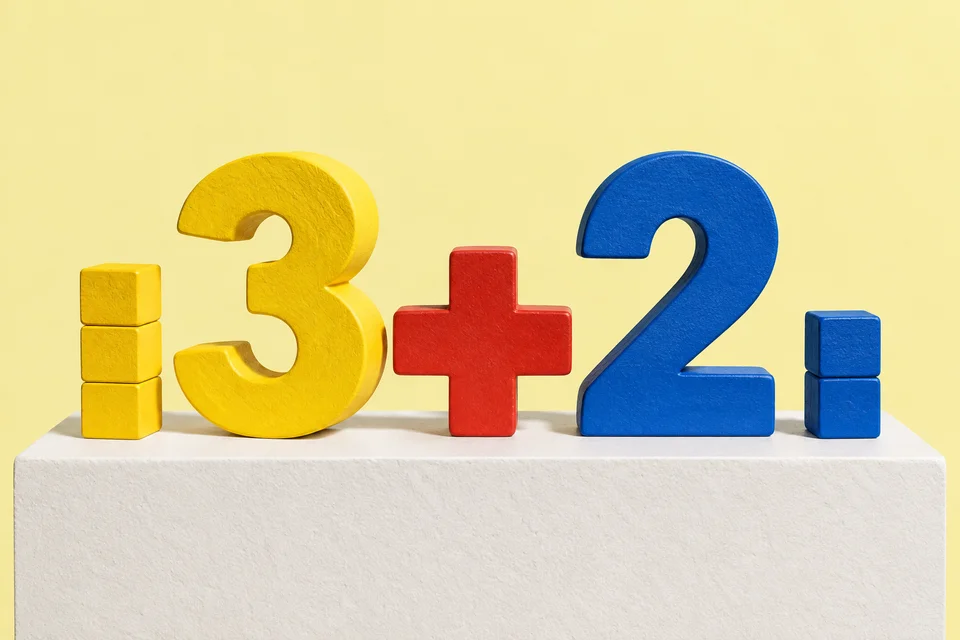
Math 1 - MnM Home Schooling is the early numeracy app in the NUC7 kids lineup. It is currently listed as closed testing, so parents should use the public app status before expecting general availability.
Parents should look for clear privacy policies, age-appropriate activities, limited distractions, simple navigation, and a learning goal that is easy to understand before the child starts using the app.
For young children, an ad-free or low-distraction experience is usually better because it keeps attention on practice instead of sending the child into unrelated content or confusing prompts.
Short sessions are usually best. A 5 to 10 minute practice window can be enough for tracing, letters, counting, or recognition work, especially when a parent follows up with real-world conversation or paper practice.
No. A learning app works best as a practice companion. Parents still provide context, encouragement, correction, and real-life examples that software cannot fully replace.